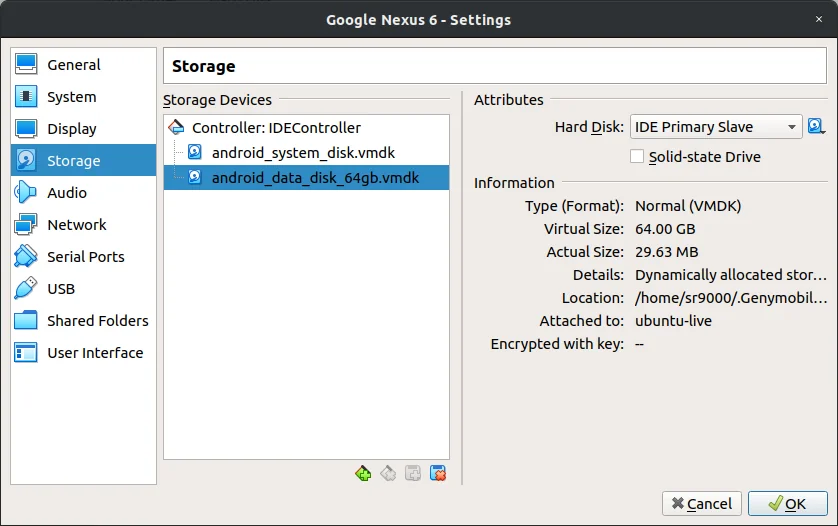
Increase the storage space of android_data_disk.vmdk.
GenyMotion gives all Android Phones ~13GB of storage space by default, first, increase the storage size of android_data_disk.vmdk...
For this entire guide, I will be increasing the storage space to 64GB, so you will have to adjust some values to your needs.
For this guide, I am using VirtualBox Media Tool. You may use another tool if you wish.
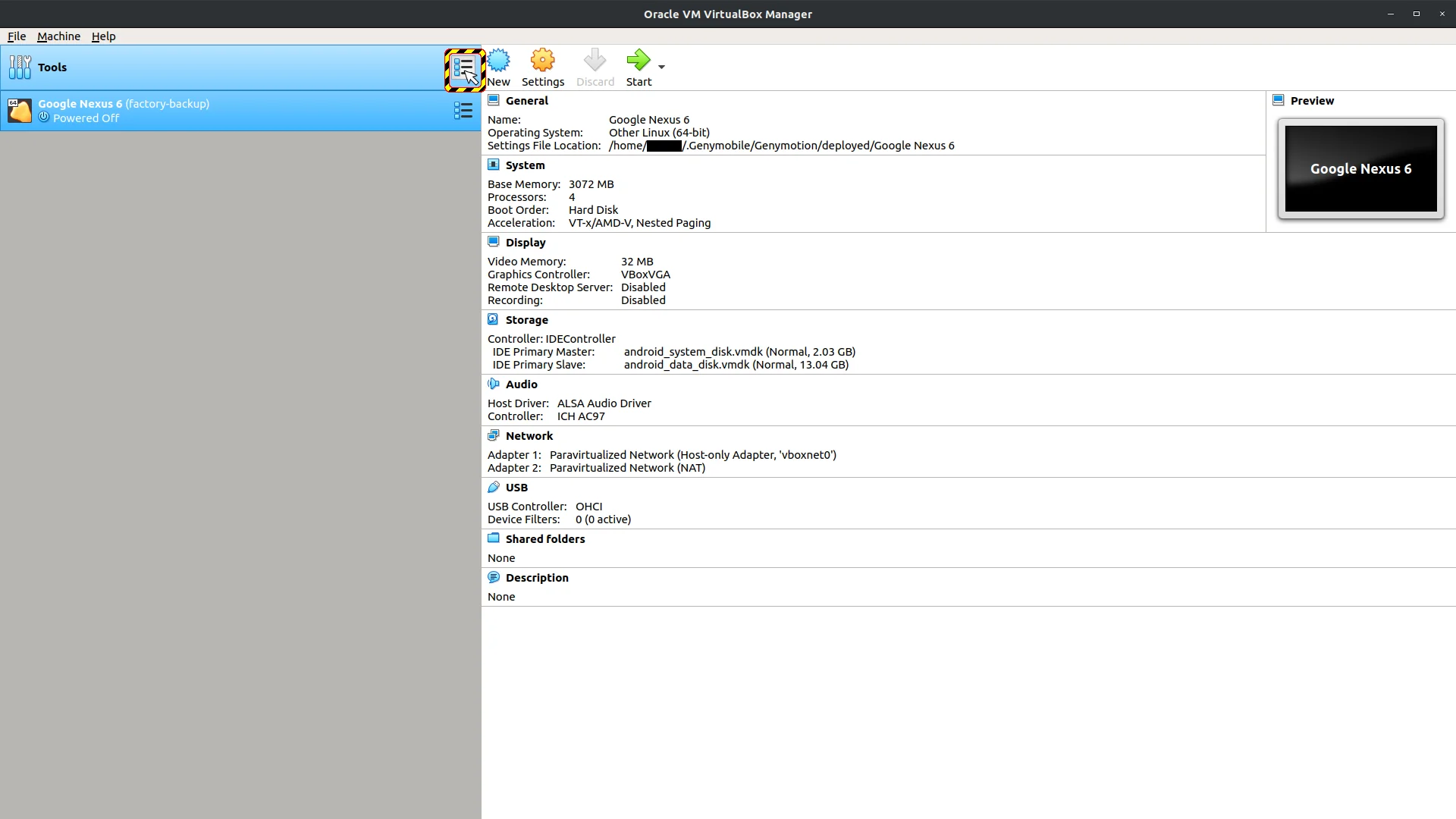
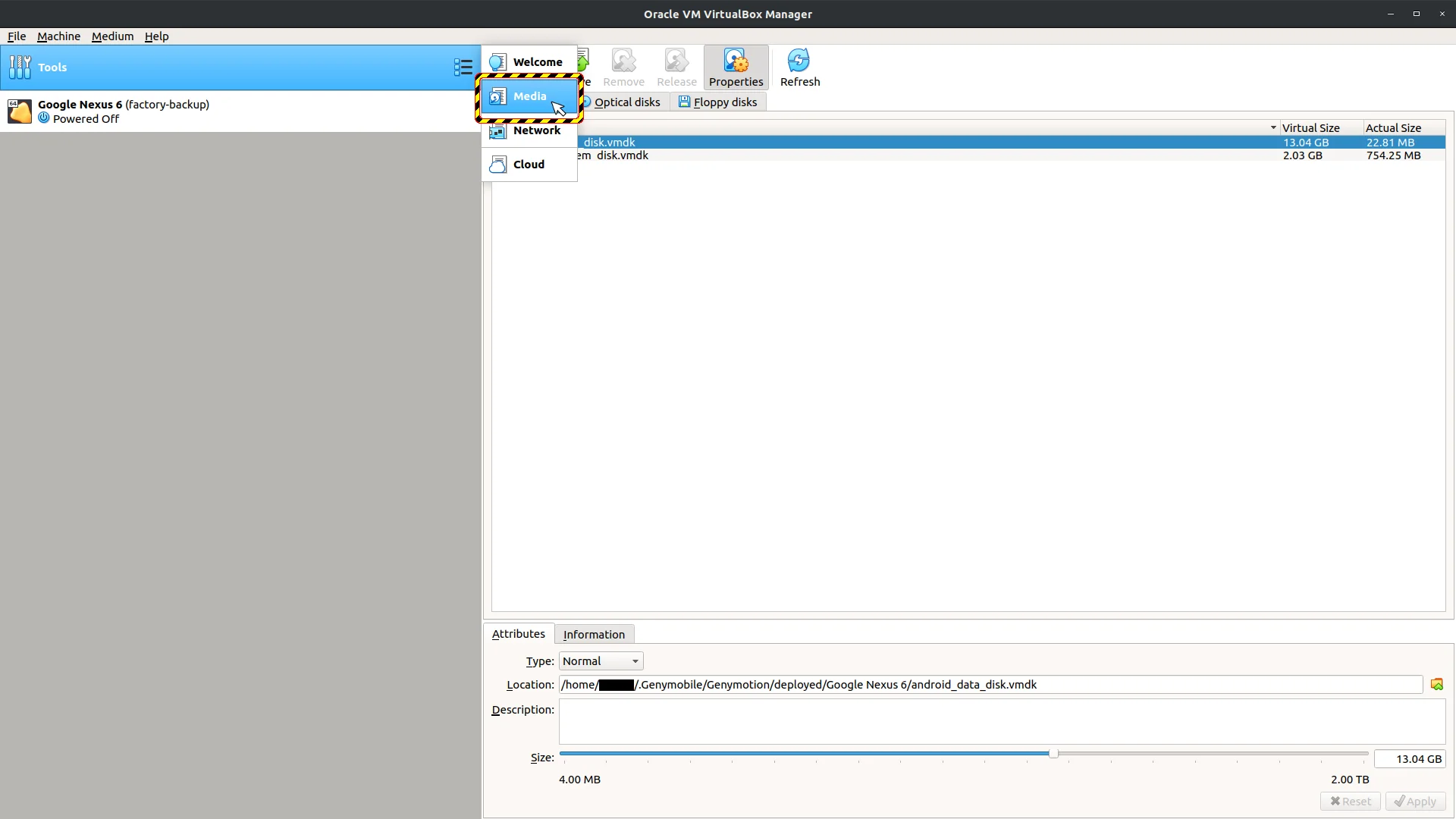
NOTE, you can't resize vmdk files directly. You need to copy android_data_disk.vmdk as vdi, then you can resize it to any size.
Finally, you need copy disk again into vmdk format.
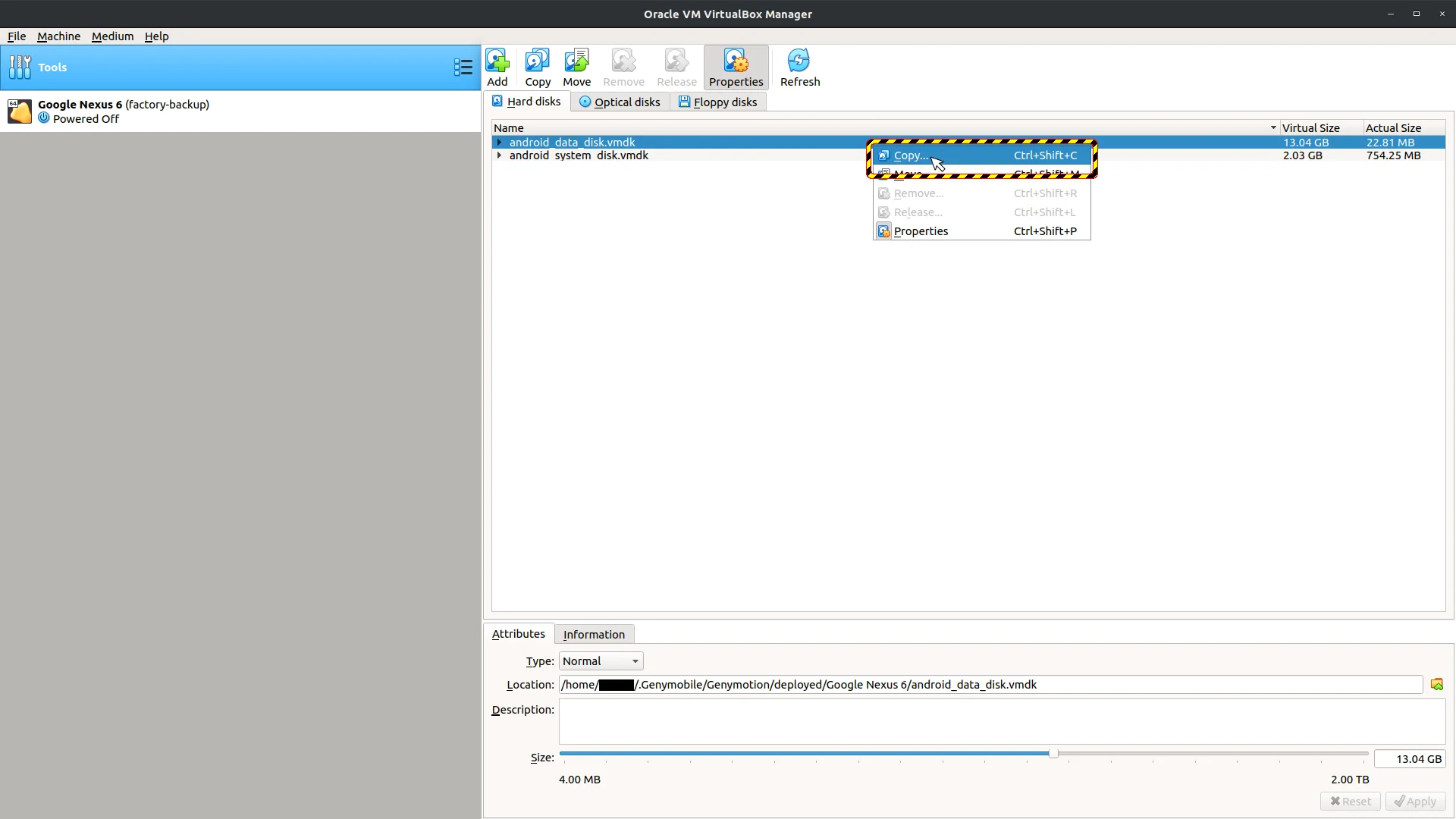
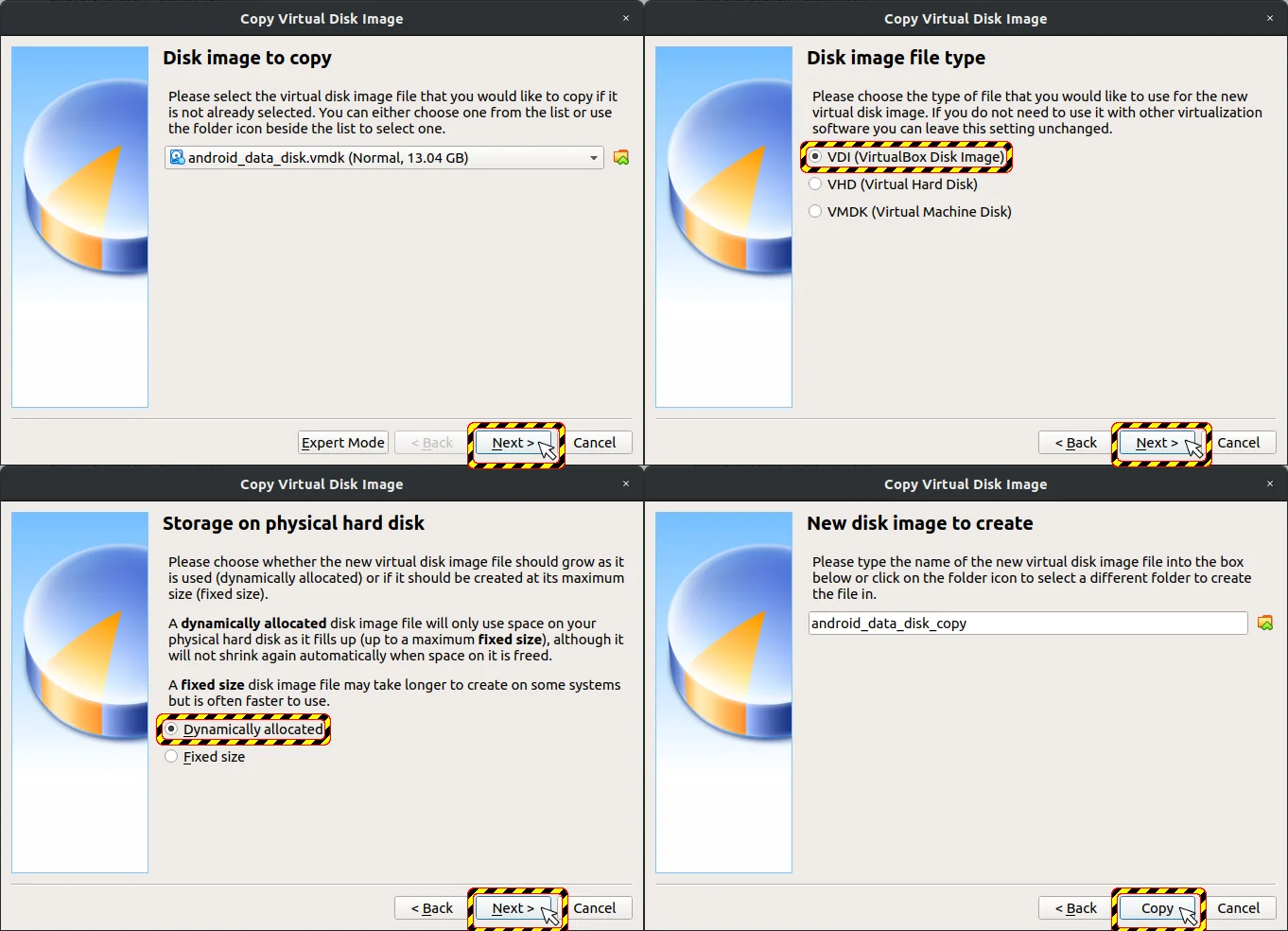
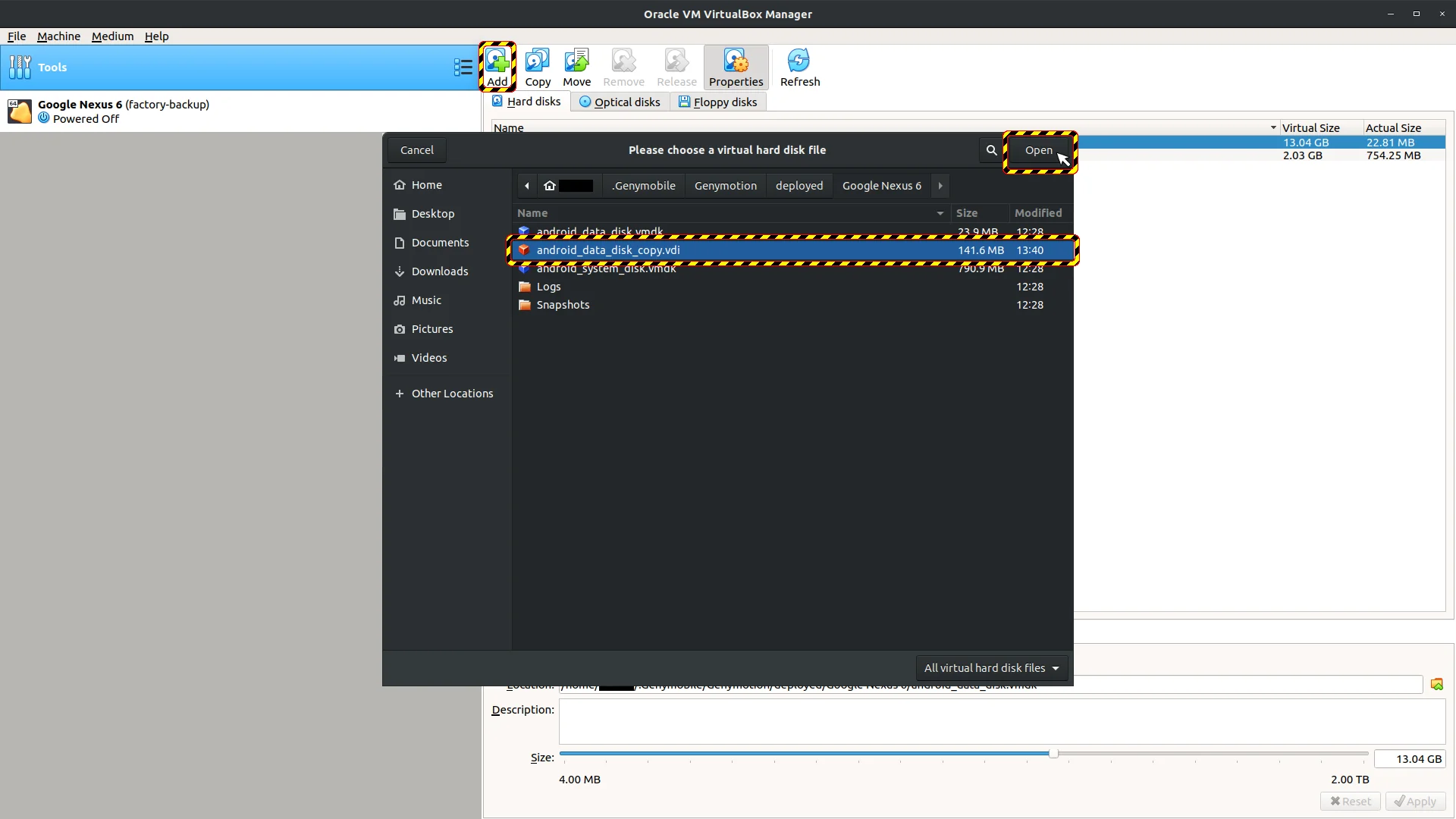
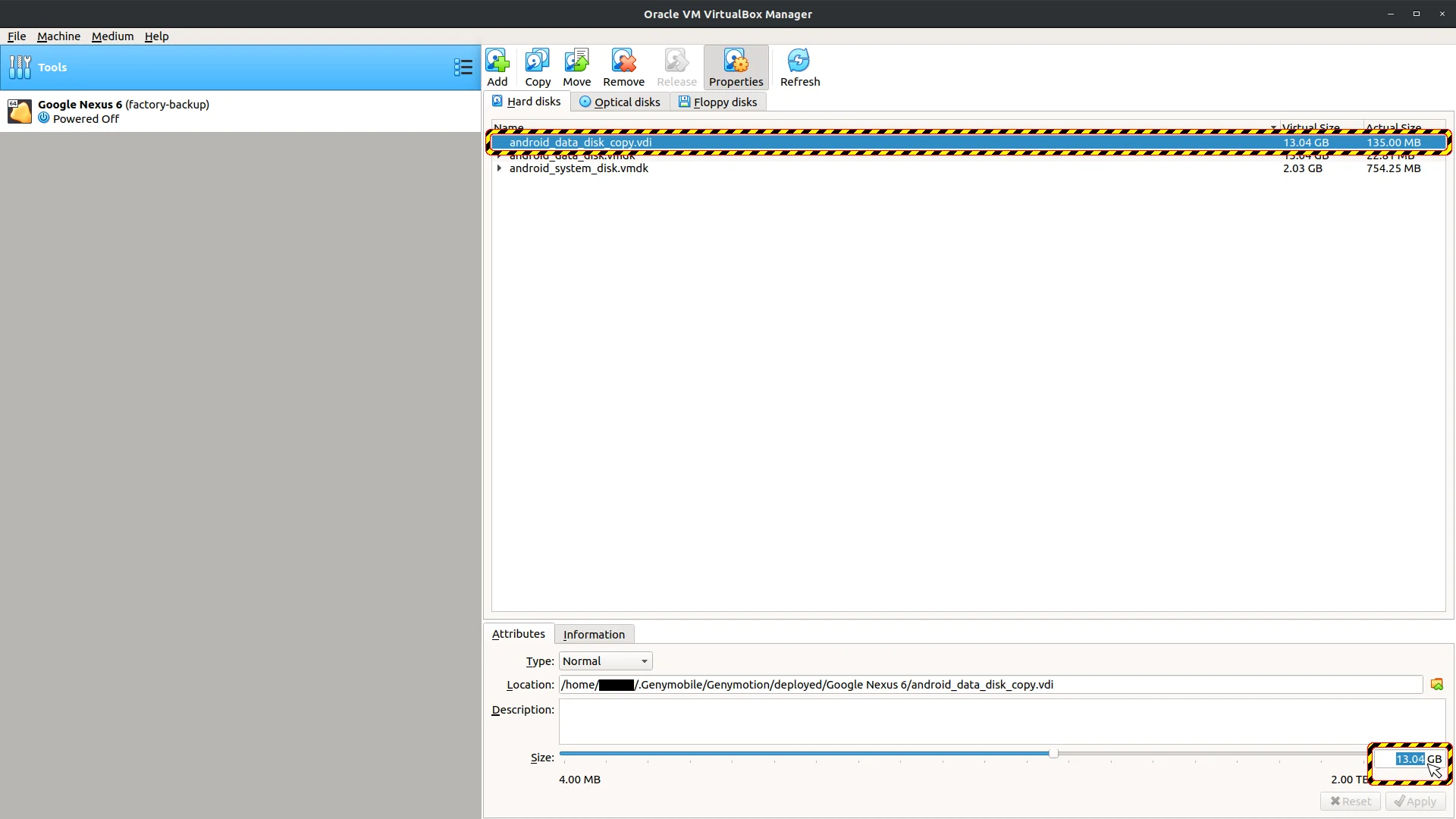
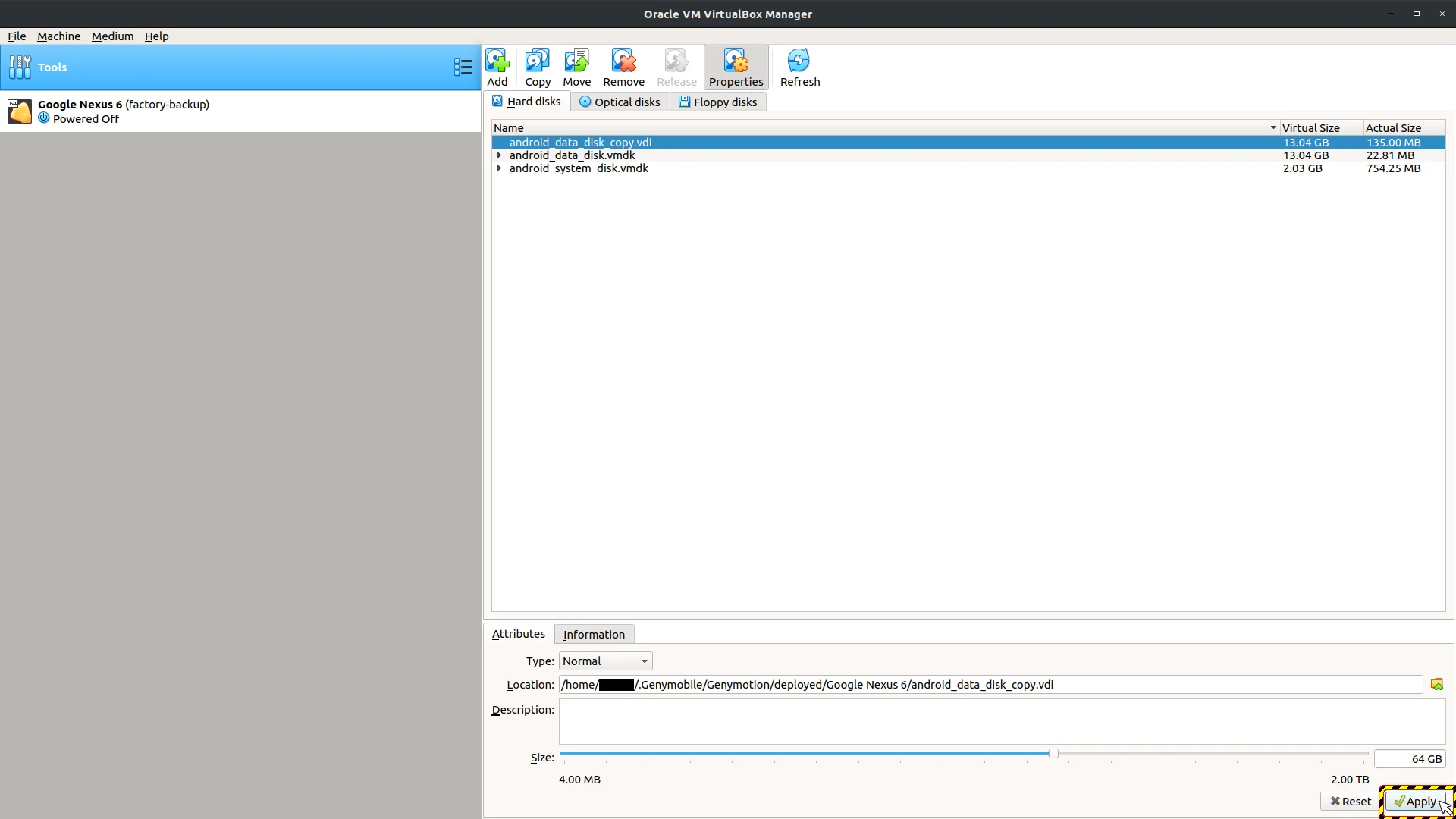
NOTE, remember to copy it back as vmdk...
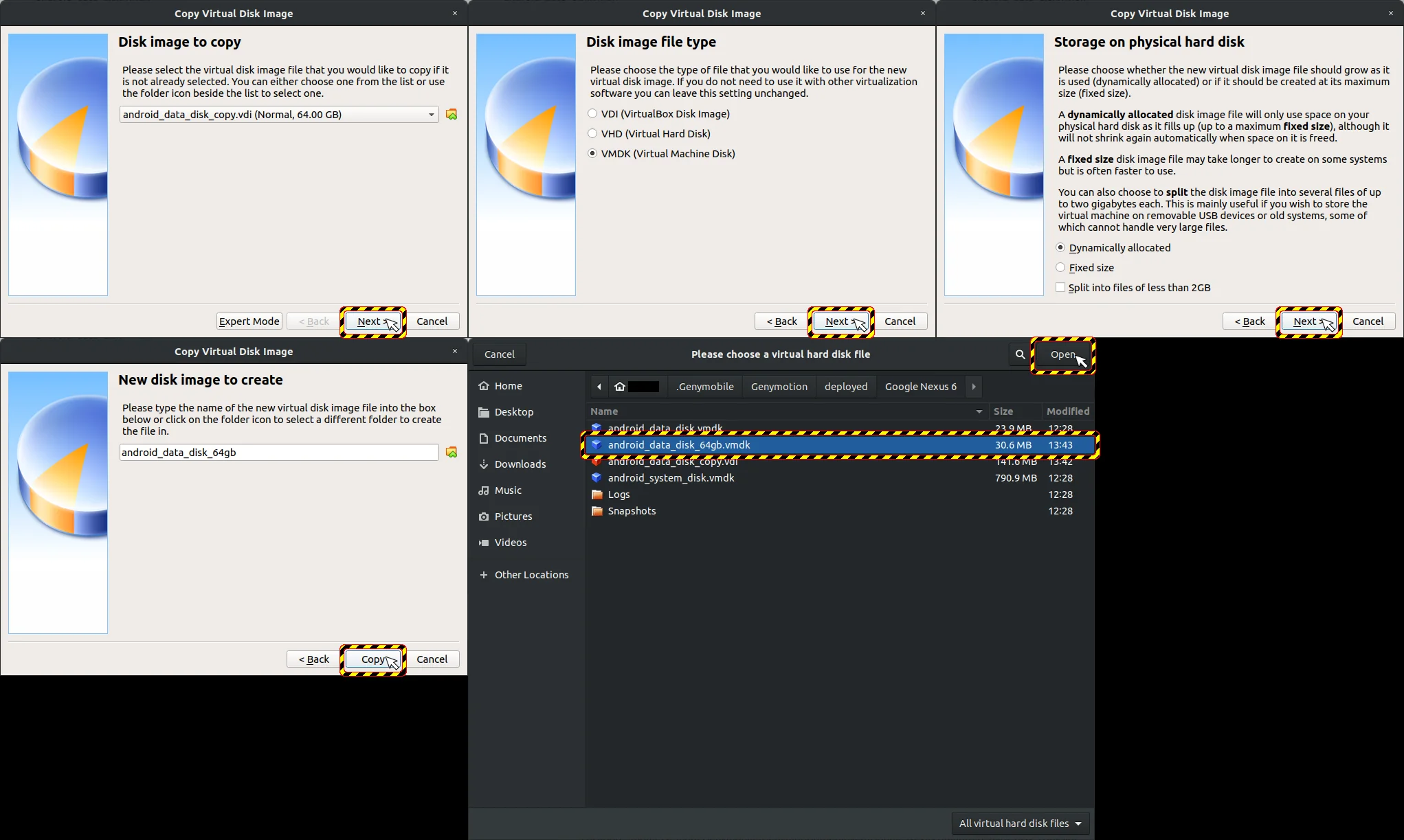
The volume of internal space depends on metadata of written filesystem.
A VM is needed to manipulate filesystem metadata.
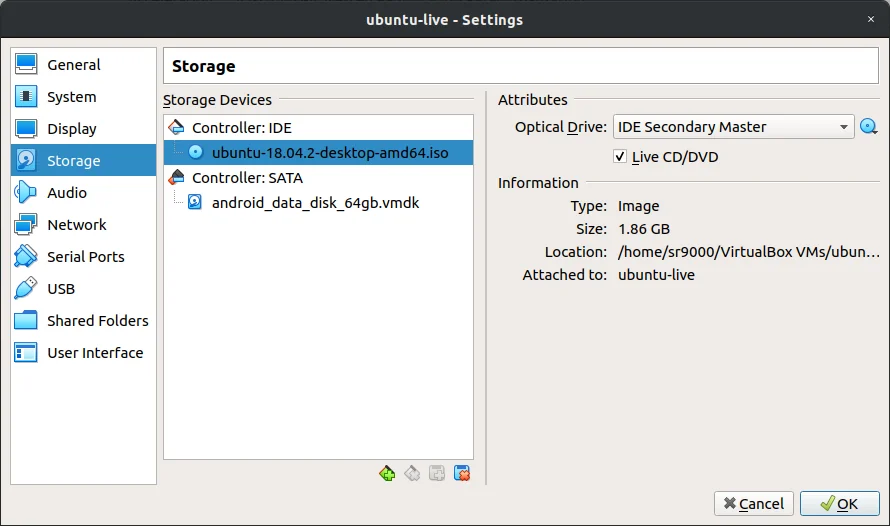
Attach 64 GB vmdk as storage in VM settings dialogue to have access to 64 gb vmdk disk layout and filesystem.
I used Ubuntu in live mode inside the VM.
Resizing filesystem is very easy process:
-
Run VM
-
If using live mode, just select the
try <OS>option... -
Run disks utility (For ubuntu)
-
Might be different depending on OS used.
-
Check device name of 3rd partition on VBOX HARDDISK, it should be the largest partition
-
Then, execute following commands:
-
sudo su - -
e2fsck -f <device name> where <device name> is usually /dev/sda3 -
resize2fs <device name> <new size>; where is usually/dev/sda3and<new size>supposed to be60G

Replace in VM settings on storage tab android_data_disk.vmdk by new resized android_data_disk_64gb.vmdk.