
Sepheo uses Matrix for group chat, quick messages, and notifications.
Matrix is an open, secure chat platform. But instead of being a product created and and controlled by a single company, like Whatsapp or X, it is more akin to how email works: an open standard. The standard defines how clients and servers should interoperate. There are reference implementations (called Element and Synapse, respectively). But anyone is free to write an implementation of these components, therefore there are several you can choose from.
Like email, somewhat:
- First you pick your preferred client app.
- You also need to pick a Matrix server to host your account (and create it - usually the client can do that for you).
- You can then use your client to chat using your account.
When you send a message, the Matrix server receives it. It then cooperates with others on the network to relay it to the recipient's account (or often, recipents' accounts, plural) elsewhere on that network.
In this introduction, we're assuming you're using the Element web app at https://app.element.io, which is probably the simplest way to get started.
- Go to https://app.element.io and click Create account.
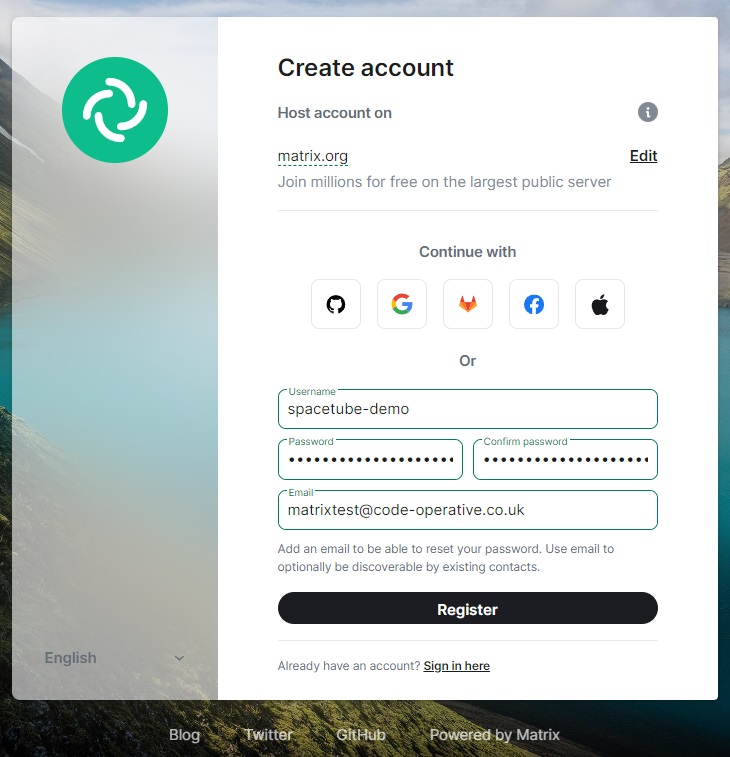
- Pick a username, which should be a single lower-case word, and fill in your password and email address. You may have to complete a captcha. Keep a note of these details!
Then you need to select a Matrix host. The host
matrix.orgis a commonly used default, but there are many, each run by a different organisation,potentially with different uses or policies.
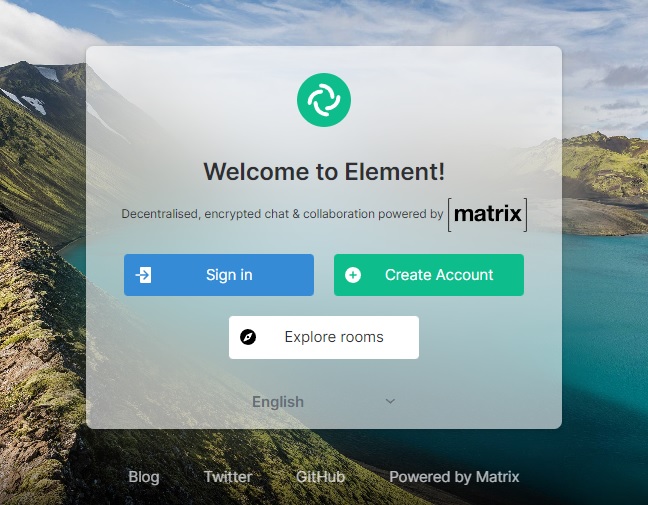
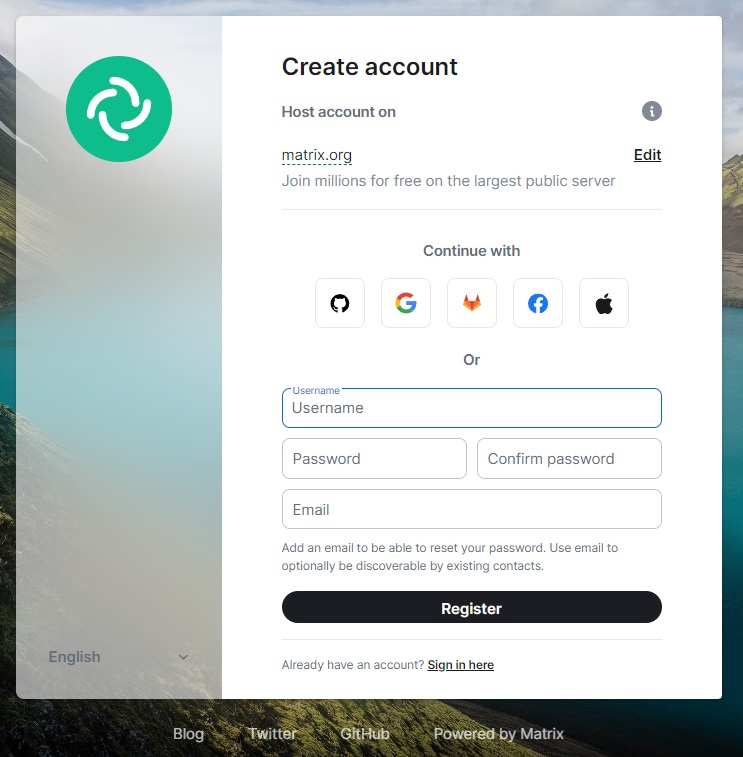
Sepheo doesn't currently run a host. We may later but until we do, we recommend matrix.org.
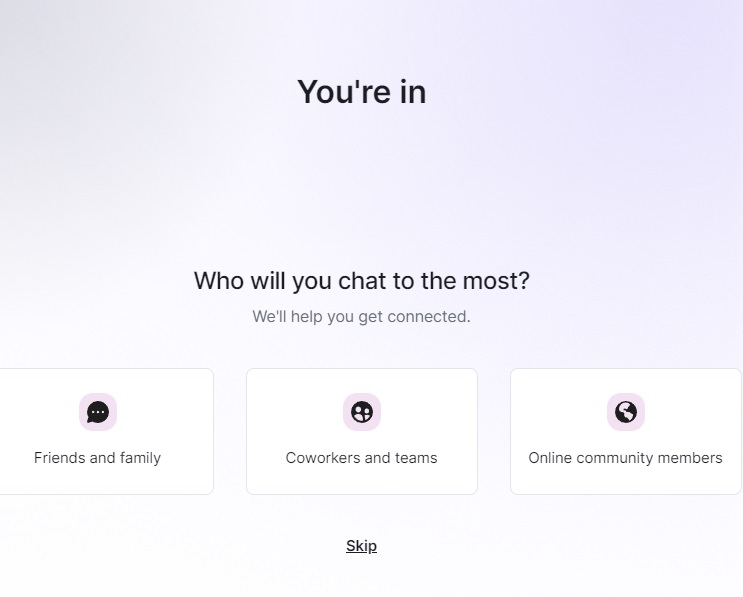
3. After registering you may see a question like this. ("Who you will chat to the most?") You can select whichever seems appropriate, or use the "Skip" link. In our example we're selecting "Online community members".
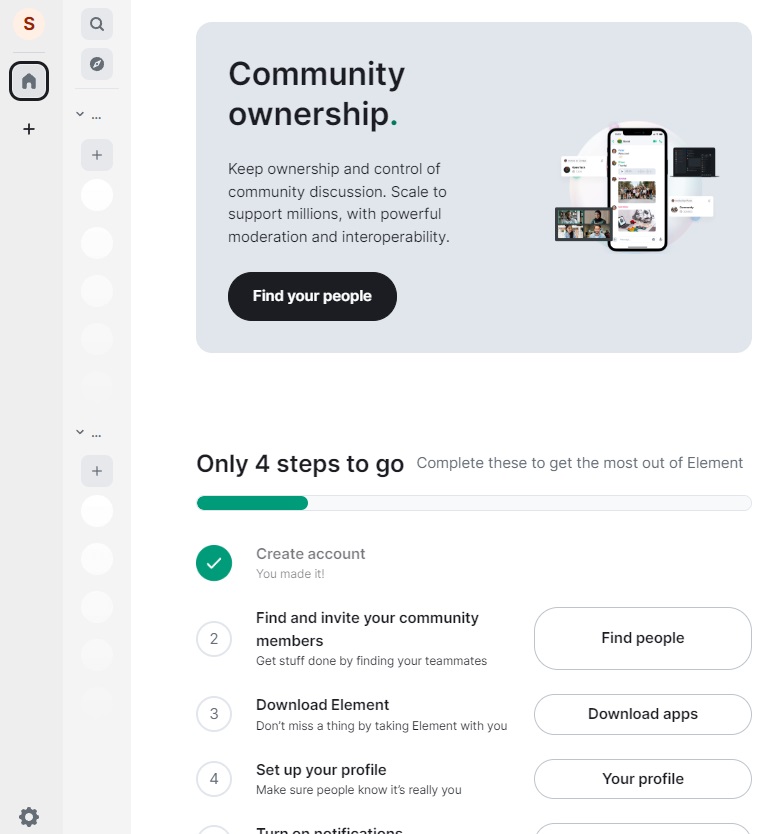
FIXME remind them to save their recovery code!
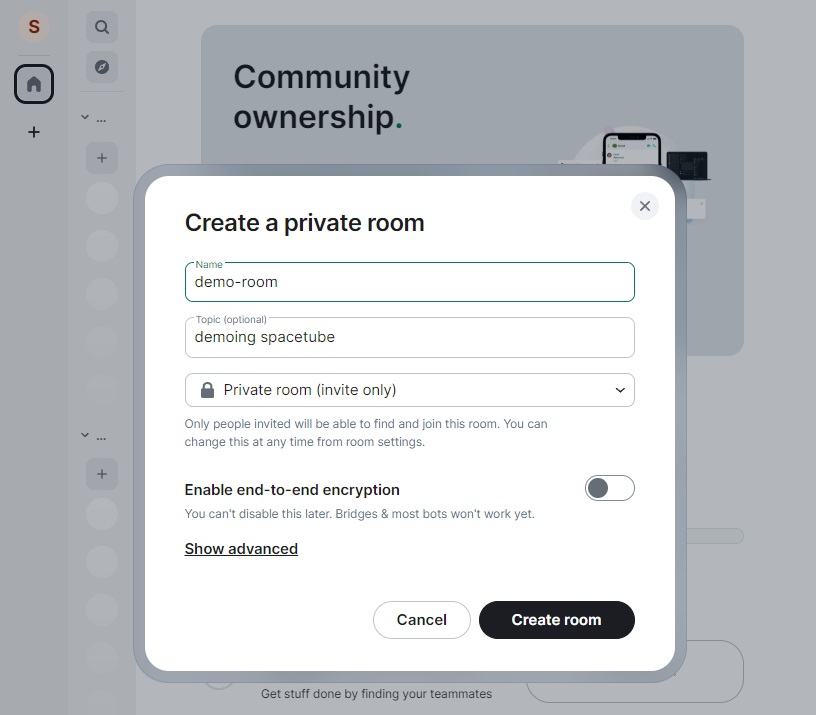
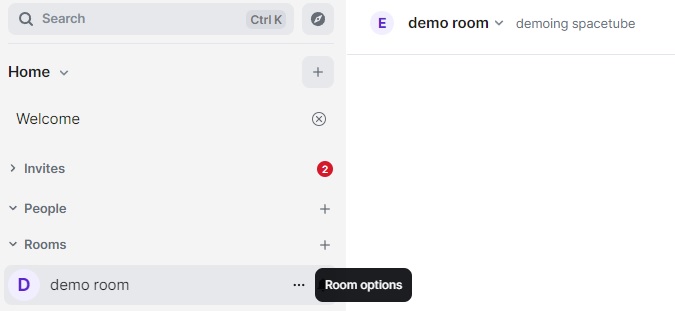
- Click to add/create a room.
- If you need bots (or services) to read room messages, keep end-to-end encryption OFF for that room; otherwise leave it ON for privacy.
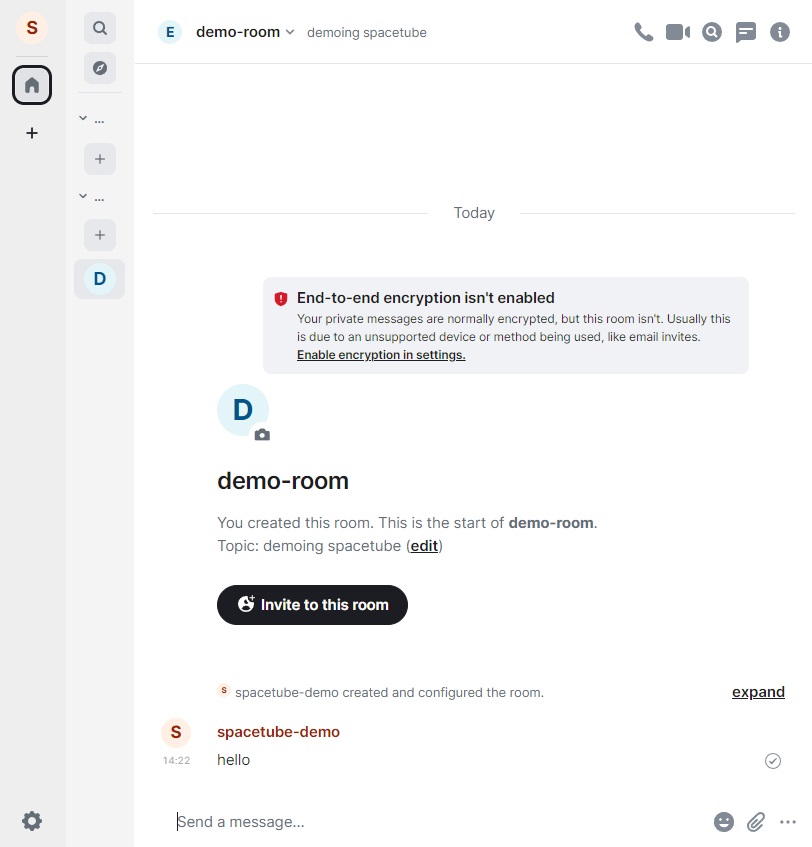
- Send a message (text, images, invites).
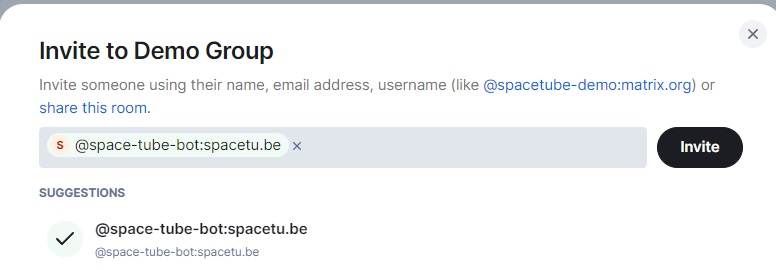
If you plan to use Sepheo bots, invite the bot to the room after creating it.
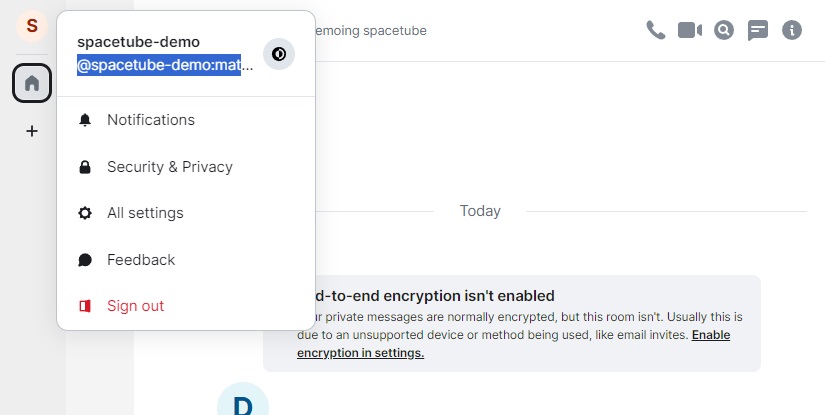
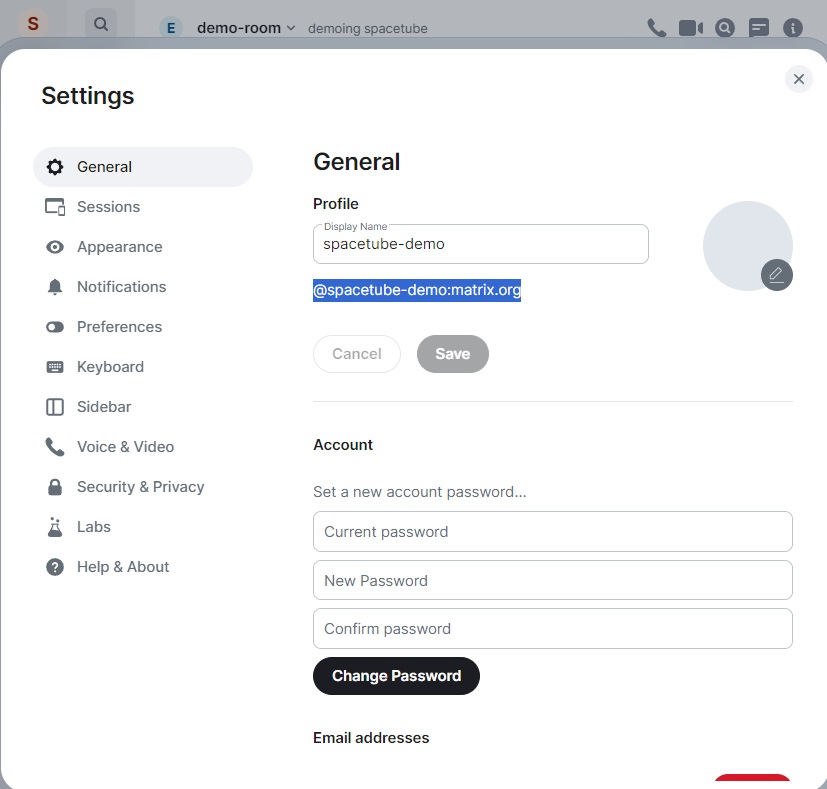
- Open Settings to view your full Matrix ID and copy it.
- Send your Matrix ID to Sepheo admins so we can invite you to our Spaces/Rooms.
- Save your recovery code or export your encryption keys immediately; this is required to recover encrypted history on new devices.
- In Element: Settings → Encryption → Advanced → Export keys. Store codes/keys in a safe place (password manager recommended).
New sessions may appear “unverified” and you may see a red dot and lose access to encrypted history until you verify:
- On your old/verified device: Settings → Sessions → Other sessions → Request verification for the new session.
- Complete verification on both devices by scanning the QR code or confirming the shown emoji/word sequence.
Failing to verify (or lacking keys) can prevent access to encrypted messages.
- Sepheo’s Matrix space is currently hosted on spacetu.be — share your Matrix ID so admins can invite you. Hosting may move in future.
Sources
- https://raw.githubusercontent.com/King-Mob/spacetu.be/refs/heads/main/content/new.md
- https://raw.githubusercontent.com/sepheocoop/documentation/refs/heads/main/notes/adding-people-to-matrix.md
If you want any caption text adjusted or alt-text added for accessibility, tell me which image(s) and the short caption/alt you prefer.
Some other guides on Element/Matrix. TODO - review and sort
- https://ems-docs.element.io/books/element-support/chapter/quick-start-guide
- https://element.io/blog/all-aboard-better-ftue-for-less-wtf/
- https://element.io/en/user-guide
- https://static.element.io/pdfs/element-user-guide.pdf
- https://docs.element.io/latest/element-support/quick-start-guide/onboarding/
- https://element.io/en/help