Skip to content

Instantly share code, notes, and snippets.

@pengfeiw
Last active December 20, 2025 13:55
Show Gist options
  • Select an option

  • Save pengfeiw/a6df822cad5a949b74b21d0e02a3e56a to your computer and use it in GitHub Desktop.

Select an option

Save pengfeiw/a6df822cad5a949b74b21d0e02a3e56a to your computer and use it in GitHub Desktop.
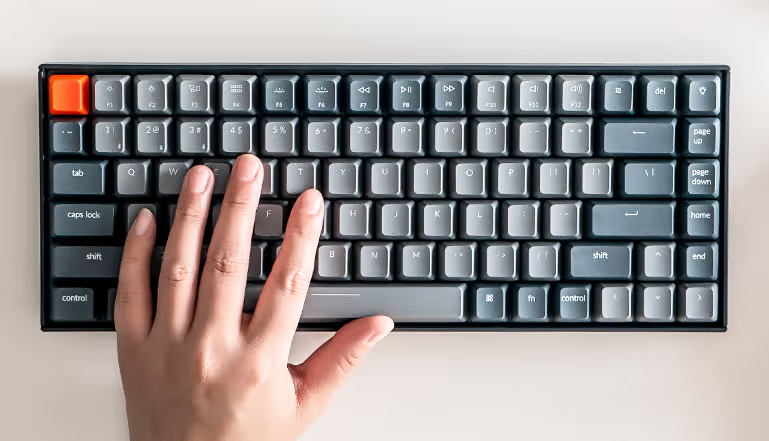
京东京造键盘操作说明书

image

蓝牙连接

kechron 支持三个蓝牙设备间的切换。

长按 fn + 1/2/3 键 3 秒,激活蓝牙配对,此时设备与第一(二/三)个蓝牙绑定。

长按3秒 Fn+1/2/3键。(如长按 Fn+1,则蓝牙连接到第1个设备)。

一键恢复

长按组合键 FN + J + Z 三秒,蓝牙复位,灯光闪烁后,蓝牙重启,恢复出厂设置。

侧面键功能

1、type-c 接口支持充电,有线连接 2、windows/android 和 mac 系统切换 3、有线、蓝牙连接方式和关闭键盘电源
Sign up for free to join this conversation on GitHub. Already have an account? Sign in to comment