Skip to content

Instantly share code, notes, and snippets.

@bobatkey
bobatkey / tuple.agda
Created February 27, 2024 10:08
"A Quick Introduction to Denotational Semantics using Agda" notes for talk given at TUPLE 2024 (https://typesig.comp-soc.com/tuple/)
{-# OPTIONS --postfix-projections #-}
module tuple where
------------------------------------------------------------------------------
--
# I happened to be looking at some of Cranelift's code, and I noticed that their constant-time dominates()
# check was using a somewhat more ad-hoc version of a hidden gem from the data structures literature called the
# parenthesis representation for trees. As far as I know, this was invented by Jacobson in his 1989 paper
# Space-Efficient Static Trees and Graphs. I first learned about it from the slightly later paper by Munro and Raman
# called Succinct Representations of Balanced Parentheses and Static Trees. I figured I'd give it an extremely
# quick intro and then show how it leads to a (slightly better) version of Cranelift's algorithm.
#
# This parenthesis representation of trees is surprisingly versatile, but its most striking feature is that
# it lets us query the ancestor relationship between two nodes in a tree in constant time, with a few instructions.
# And the idea is extremely simple and intuitive if you just draw the right kind of picture.
@daemonhorn
daemonhorn / freebsd_yubikey_authentication.md
Last active December 26, 2025 00:01
Setting up yubikey/solo2 for piv, fido, and gpg on FreeBSD (Firefox, Chromium, PAM, SSH, and GnuPG)

Overview

How to configure FreeBSD and applicable applications to work with Yubikey for authentication. This serves as my work-in-progress documentation of the configuration knobs needed to make this work properly.

  • FreeBSD ssh with piv smartcard slot on Yubikey (pkcs11 via libykcs11.so)
  • FreeBSD ssh with fido support on Yubikey
  • FreeBSD Firefox/Chromium with fido + webauthn support on Yubikey
  • FreeBSD local console and gdm authentication using pam on Yubikey
  • FreeBSD official YubiKey tools

Latest Tested FreeBSD versions

  • FreeBSD 13.2 Testing (Aug 2023)
  • FreeBSD stable/13 Testing (Aug 2023) with OpenSSH_9.3p2
@ctsrc
ctsrc / README.md
Last active December 27, 2025 06:03 — forked from niw/README.en.md
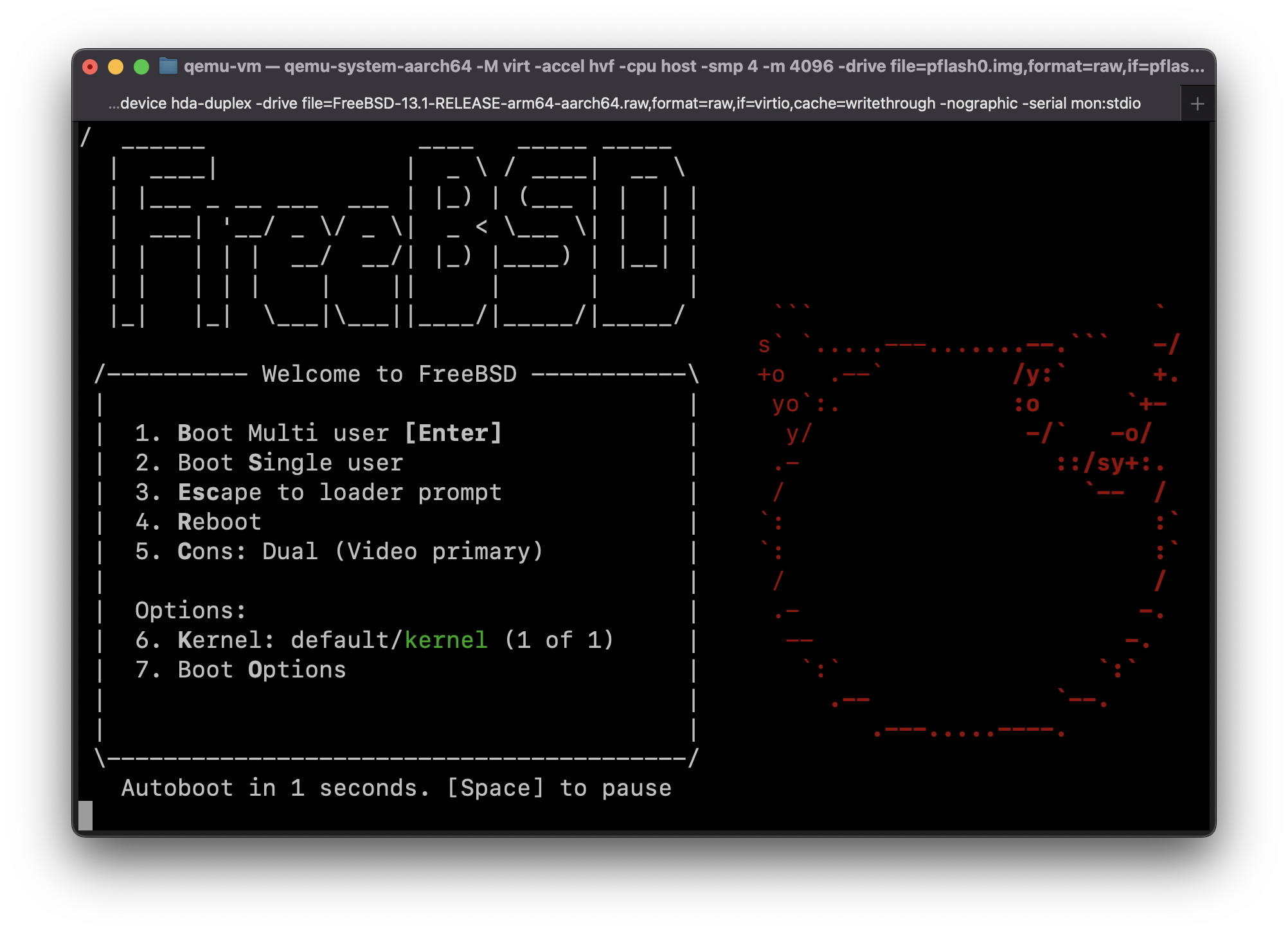
Guide: Run FreeBSD 13.1-RELEASE for ARM64 in QEMU on Apple Silicon Mac (MacBook Pro M1, etc) with HVF acceleration (Hypervisor.framework)
#define _GNU_SOURCE
#include <errno.h>
#include <sched.h>
#include <signal.h>
#include <stdio.h>
#include <stdlib.h>
#include <sys/mount.h>
#include <sys/stat.h>
#include <sys/syscall.h>
#include <sys/types.h>
@asamofal
asamofal / update_bions_lenovo_x1_g6.md
Created April 18, 2020 21:50
Update BIOS on ThinkPad X1 Carbon Gen 6th (Ubuntu 18.04, Legacy mode)

Update BIOS on ThinkPad X1 Carbon Gen 6th (Ubuntu 18.04)

Laptop (ThinkPad) Lenovo X1 Carbon 6th Gen (Type 20KH, 20KG)

If you are using your ThinkPad X1G6 with Linux in "Legacy only" mode, there's only one way how to update BIOS - you should use "BIOS Update (Bootable CD)". So this is a step by step guid how to do it.

Check current BIOS version:

fwupdmgr get-devices

@cb372
cb372 / riscv.md
Last active December 27, 2025 05:35
Writing an OS in Rust to run on RISC-V

(This is a translation of the original article in Japanese by moratorium08.)

(UPDATE (22/3/2019): Added some corrections provided by the original author.)

Writing your own OS to run on a handmade CPU is a pretty ambitious project, but I've managed to get it working pretty well so I'm going to write some notes about how I did it.

@bogaotory
bogaotory / install_bionic_on_x1c6.md
Last active May 15, 2024 03:25
Install Ubuntu 18.04 on Thinkpad X1 Carbon 6th Generation

Install Ubuntu 18.04 on Thinkpad X1 Carbon 6th Gen/2018

X1C6 Type: 20KG*

Bionic works out of the box on the new 2018 X1 Carbon. The X1C6 is a beautiful laptop, and Bionic is the best Ubuntu yet. Users of all levels of experties/experiences are recommended to try this combination. The purpose of this documentation is to improve the user's experience.

BIOS/UEFI Changes

Following changes are required by the DSDT patch:

  1. Turn off Secure Boot
;; The following works with OPAM 2.0.x
;; Put this piece of code into your .emacs and use it interactively as
;; M-x coq-change-compiler
;; If you change your OPAM installation by e.g. adding more switches, then
;; run M-x coq-update-opam-switches and coq-change-compiler will show the updated set of switches.
(defun opam-ask-var (switch package var)
(ignore-errors (car (process-lines
"opam" "var" "--safe" "--switch" switch (concat package ":" var)))))