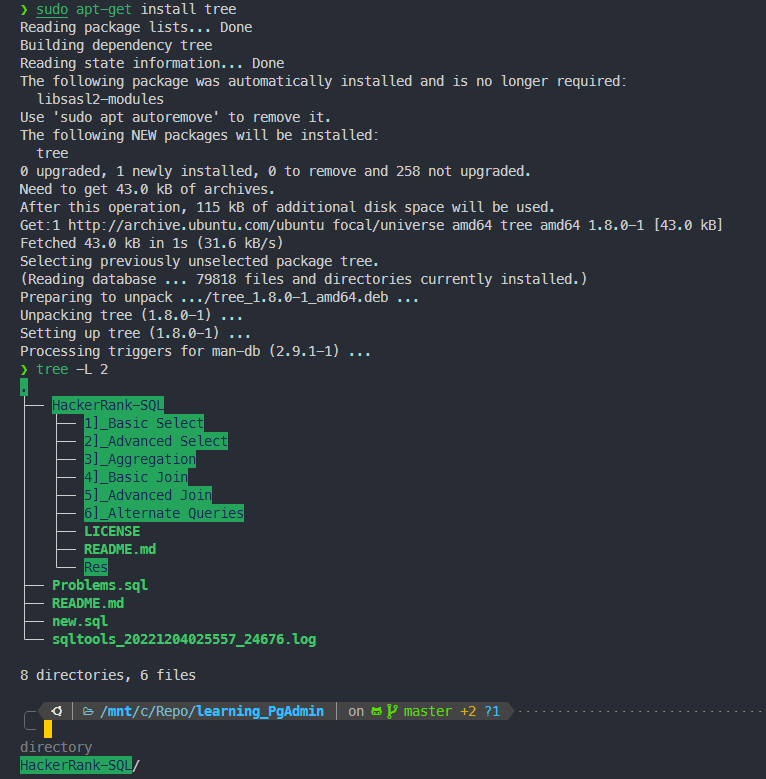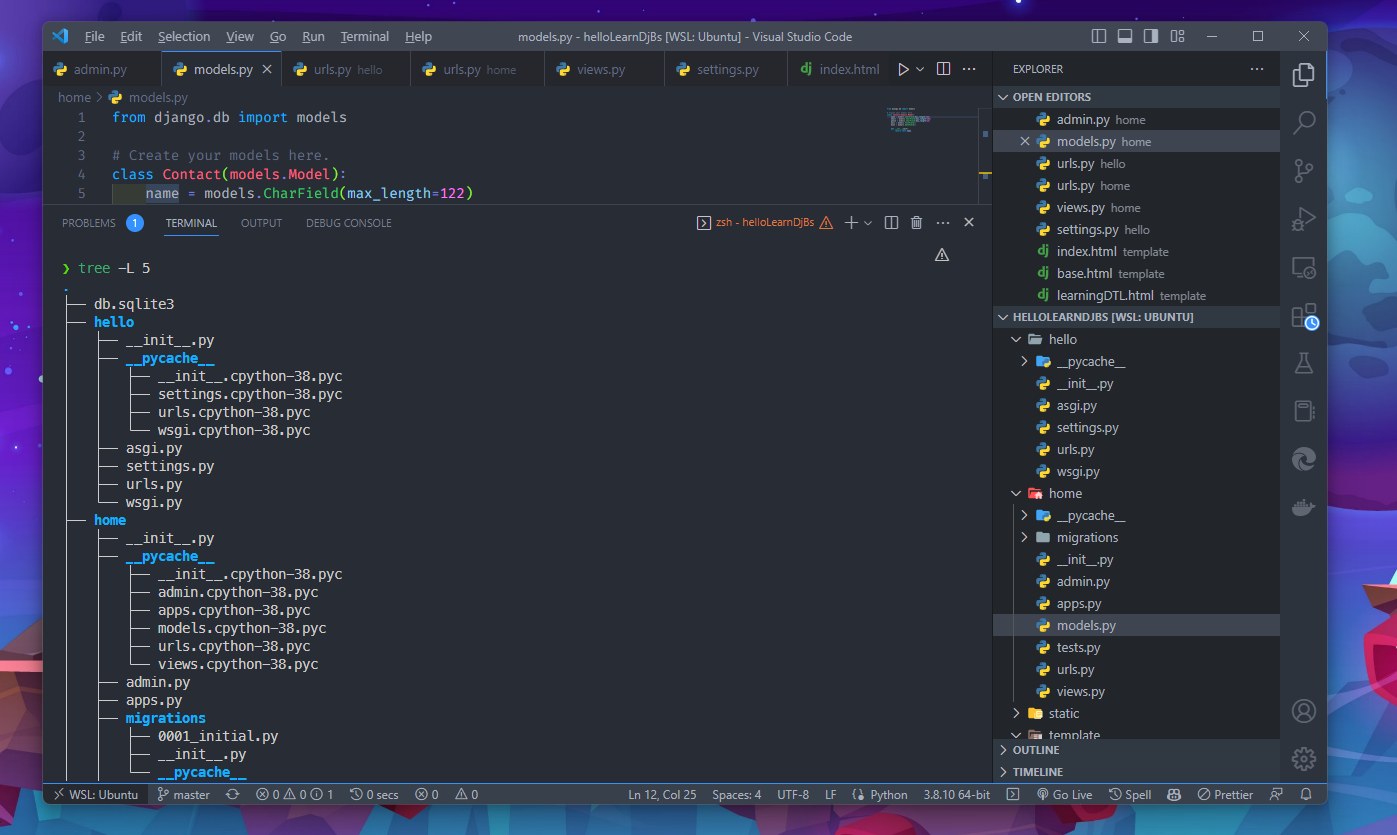
The tree command is a utility tool in Linux that displays the directory structure in a tree-like format. It displays all the subdirectories and files in a hierarchical manner, making it easier to understand the organization of your files and directories.
sudo apt-get install treetree [options] [directory]Here, [options] refers to the various options you can use with the command. [directory] refers to the path of the directory whose structure you want to display.
For example, to display the directory structure of the current directory, you can simply type:
treeHere are some useful options you can use with the tree command:
-a: This option will display hidden files and directories as well.-L level: This option allows you to specify the depth to which the directory structure should be displayed. For example,tree -L 2will display the structure of the current directory and its immediate subdirectories only.-d: This option will display only directories and not files.-I pattern: This option allows you to specify a pattern to exclude files and directories from the tree structure. For example,tree -I '*.txt'will exclude all files with the extension.txt.
Example 1: Displaying the directory structure of a specific directory
tree /home/user/DocumentsThis will display the directory structure of the Documents directory in a
Example 2: Displaying the directory structure of a specific Level 2
tree -L 2