
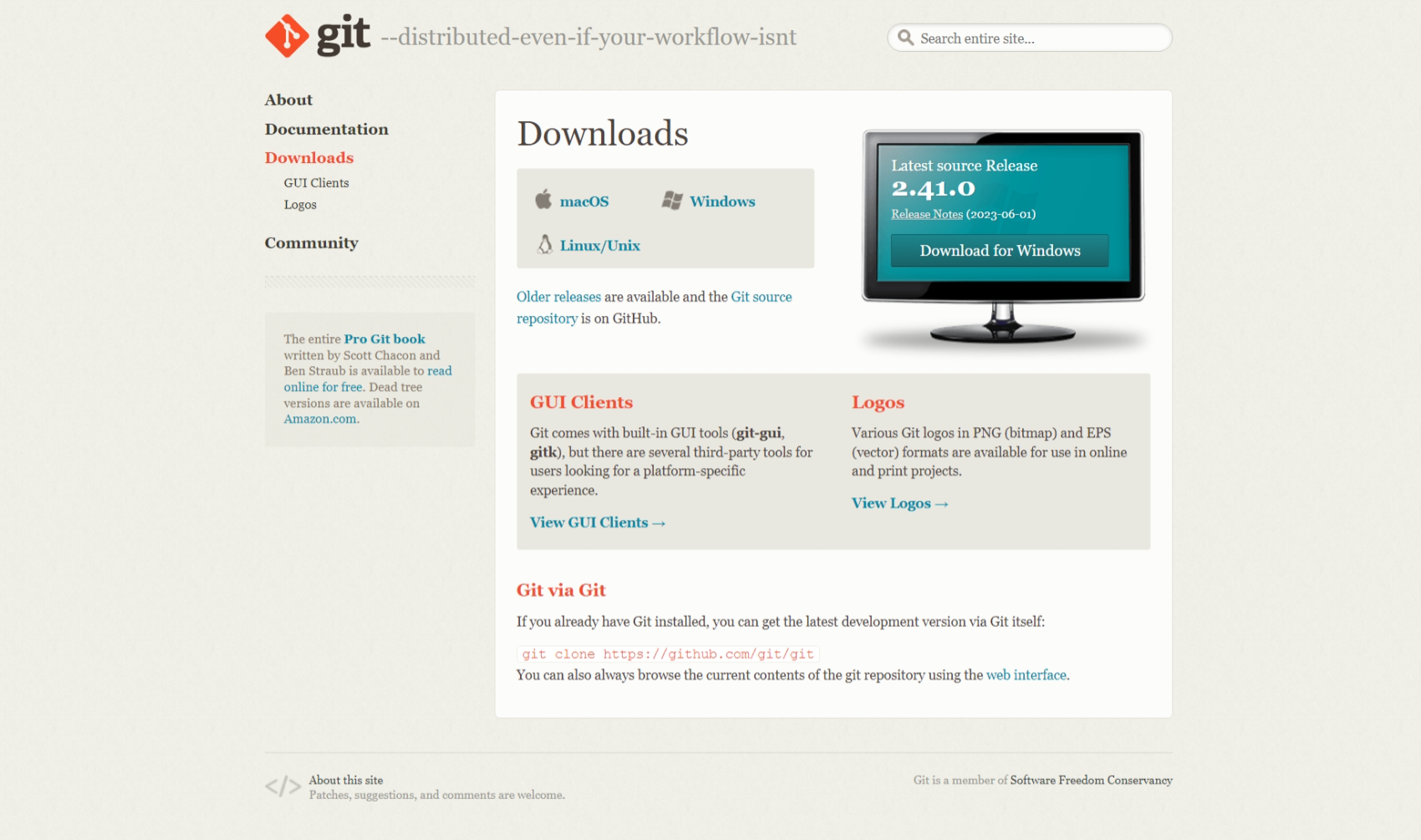
- Download git from https://git-scm.com/downloads and install (Select next if you dont know) and click install.
See where Git is located:
If cmd, run where git if Powershell, run Get-Command git

Get the version of Git:
git --version

Create an alias (shortcut) for git status:
git config --global alias.st status

Help:
git help
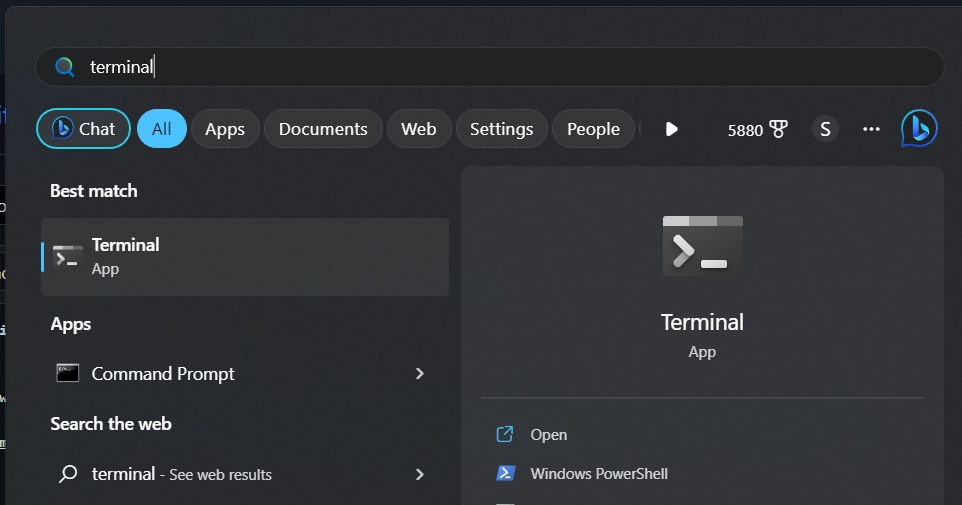
- Create a folder somewhere and open it.

- Right Click anywhere in the folder, and select open in terminal
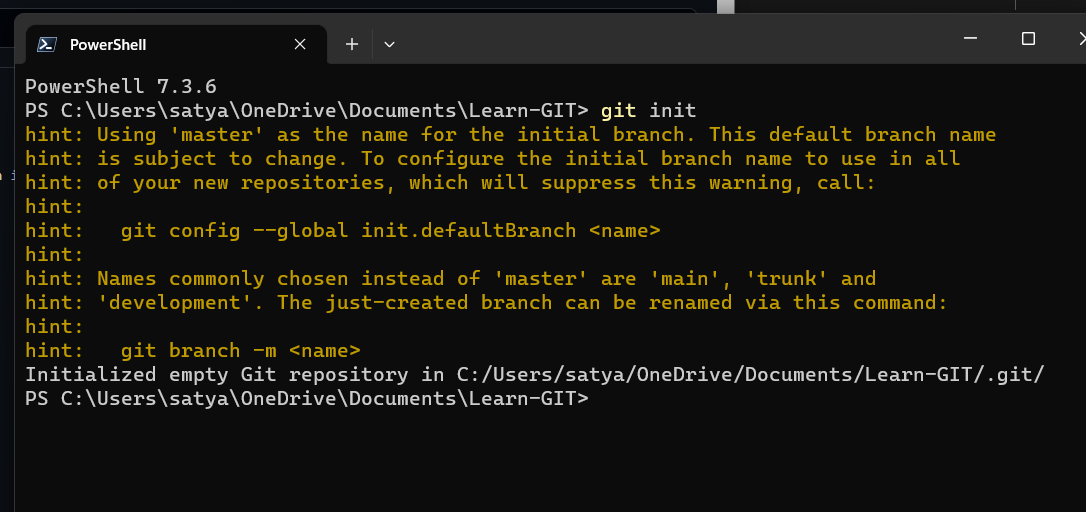
Initialize Git:
git init
Get everything ready to commit:
git add .

Create any file or folder
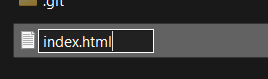
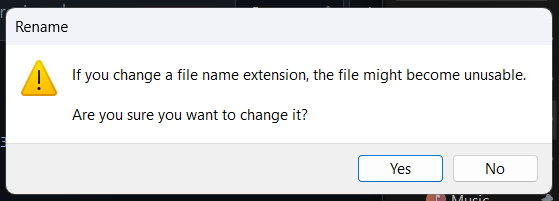
If you didn't got a prompt like 2nd image, you have to enable View extention option. Here is how you can do it:
20230820-0556-54.5982405.mp4
Get custom file ready to commit:
git add index.html
Commit changes:
git commit -m "Message"
Commit changes with title and description:
git commit -m "Title" -m "Description..."
Add and commit in one step:
git commit -am "Message"
Remove files from Git:
git rm index.html
Update all changes:
git add -u
Remove file but do not track anymore:
git rm --cached index.html
Move or rename files:
git mv index.html dir/index_new.html
Undo modifications (restore files from the latest committed version):
git checkout -- index.html
Restore file from a custom commit (in the current branch):
git checkout 6eb715d -- index.html
Go back to commit:
git revert 073791e7dd71b90daa853b2c5acc2c925f02dbc6
Soft reset (move HEAD only; neither staging nor working directory is changed):
git reset --soft 073791e7dd71b90daa853b2c5acc2c925f02dbc6
Undo the latest commit:
git reset --soft HEAD~
Mixed reset (move HEAD and change staging to match the repository; does not affect the working directory):
git reset --mixed 073791e7dd71b90daa853b2c5acc2c925f02dbc6
Hard reset (move HEAD and change staging directory and working directory to match the repository):
git reset --hard 073791e7dd71b90daa853b2c5acc2c925f02dbc6
Hard reset of a single file (@ is short for HEAD):
git checkout @ -- index.html
Test-Delete untracked files:
git clean -n
Delete untracked files (not staging):
git clean -f
Unstage (undo adds):
git reset HEAD index.html
Update the most recent commit (also update the commit message):
git commit --amend -m "New Message"
Show branches:
git branch
Create a branch:
git branch branchname
Change to a branch:
git checkout branchname
Create and change to a new branch:
git checkout -b branchname
Rename a branch:
git branch -m branchname new_branchname
or:
git branch --move branchname new_branchname
Show all completely merged branches with the current branch:
git branch --merged
Delete a merged branch (only possible if not HEAD):
git branch -d branchname
or:
git branch --delete branchname
Delete an unmerged branch:
git branch -D branch_to_delete
True merge (fast-forward):
git merge branchname
Merge to master (only if fast-forward):
git merge --ff-only branchname
Merge to master (force a new commit):
git merge --no-ff branchname
Stop merge (in case of conflicts):
git merge --abort
Stop merge (in case of conflicts):
git reset --merge
// prior to v1.7.4
Undo local merge that hasn't been pushed yet:
git reset --hard origin/master
Merge only one specific commit:
git cherry-pick 073791e7
Rebase:
git checkout branchname
»
git rebase master
or:
git merge master branchname
(The rebase moves all of the commits in master onto the tip of branchname.)
Cancel rebase:
git rebase --abort
Squash multiple commits into one:
git rebase -i HEAD~3
(source)
Squash-merge a feature branch (as one commit):
git merge --squash branchname
(commit afterward)
Put in stash:
git stash save "Message"
Show stash:
git stash list
Show stash stats:
git stash show stash@{0}
Show stash changes:
git stash show -p stash@{0}
Use a custom stash item and drop it:
git stash pop stash@{0}
Use a custom stash item and do not drop it:
git stash apply stash@{0}
Use a custom stash item and index:
git stash apply --index
Create a branch from stash:
git stash branch new_branch
Delete a custom stash item:
git stash drop stash@{0}
Delete all stashed changes:
git stash clear
About: https://help.github.com/articles/ignoring-files
Useful templates: https://github.com/github/gitignore
Add or edit gitignore:
notepad .gitignore
Track an empty directory:
echo.> dir\.gitkeep
Show commits:
git log
Show oneline-summary of commits:
git log --oneline
Show oneline-summary of commits with a full SHA-1:
git log --format=oneline
Show oneline-summary of the last three commits:
git log --oneline -3
Show only custom commits:
git log --author="s4tyendra"
git log --grep="Message"
git log --until=2013-01-01
git log --since=2013-01-01
Show only custom data of commit:
git log --format=short
git log --format=full
git log --format=fuller
git log --format=email
git log --format=raw
Show changes:
git log -p
Show every commit since a specific commit for a custom file only:
git log 6eb715d.. index.html
Show changes of every commit since a specific commit for a custom file only:
git log -p 6eb715d.. index.html
Show stats and a summary of commits:
git log --stat --summary
Show the history of commits as a graph:
git log --graph
Show the history of commits as a graph-summary:
git log --oneline --graph --all --decorate
Compare modified files:
git diff
Compare modified files and highlight changes only:
git diff --color-words index.html
Compare modified files within the staging area:
git diff --staged
Compare branches:
git diff master..branchname
Compare branches like above:
git diff --color-words master..branchname^
Compare commits:
git diff 6eb715d
git diff 6eb715d..HEAD
git diff 6eb715d..537a09f
Compare commits of a file:
git diff 6eb715d index.html
git diff 6eb715d..537a09f index.html
Compare without caring about spaces:
git diff -b 6eb715d..HEAD
or:
git diff --ignore-space-change 6eb715d..HEAD
Compare without caring about all spaces:
git diff -w 6eb715d..HEAD
or:
git diff --ignore-all-space 6eb715d..HEAD
Useful comparings:
git diff --stat --summary 6eb715d..HEAD
Blame:
git blame -L10,+1 index.html
Show all released versions:
git tag
Show all released versions with comments:
git tag -l -n1
Create a release version:
git tag v1.0.0
Create a release version with a comment:
git tag -a v1.0.0 -m 'Message'
Checkout a specific release version:
git checkout v1.0.0
Show remote:
git remote
Show remote details:
git remote -v
Add remote upstream from GitHub project:
git remote add upstream https://github.com/s4tyendra/project.git
Add remote upstream from an existing empty project on the server:
git remote add upstream ssh://root@123.123.123.123/path/to/repository/.git
Fetch:
git fetch upstream
Fetch a custom branch:
git fetch upstream branchname:local_branchname
Merge fetched commits:
git merge upstream/master
Remove origin:
git remote rm origin
Show remote branches:
git branch -r
Show all branches (remote and local):
git branch -a
Create and checkout a branch from a remote branch:
git checkout -b local_branchname upstream/remote_branchname
Compare:
git diff origin/master..master
Push (set default with -u):
git push -u origin master
Push:
git push origin master
Force-Push:
git push origin master --force
Pull:
git pull
Pull a specific branch:
git pull origin branchname
Fetch a pull request on GitHub by its ID and create a new branch:
git fetch upstream pull/ID/head:new-pr-branch
Clone to localhost:
git clone https://github.com/s4tyendra/project.git
or:
git clone ssh://user@domain.com/~/dir/.git
Clone to a localhost folder:
git clone https://github.com/s4tyendra/project.git ~/dir/folder
Clone a specific branch to localhost:
git clone -b branchname https://github.com/s4tyendra/project.git
Clone with token authentication (in the CI environment):
git clone https://oauth2:<token>@gitlab.com/s4tyendra/repo.git
Delete a remote branch (push nothing):
git push origin :branchname
or:
git push origin --delete branchname
Create a zip-archive:
git archive --format zip --output filename.zip master
Export/write custom log to a file:
git log --author=s4tyendra --all > log.txt
Ignore files that have already been committed to a Git repository: http://stackoverflow.com/a/1139797/1815847
Hide Git on the web via .htaccess:
RedirectMatch 404 /\.git
(more info here: http://stackoverflow.com/a/17916515/1815847)
Website: https://git-lfs.github.com/
Install:
git lfs install
Track *.psd files:
git lfs track "*.psd"
(init, add, commit, and push as written above)
- Related Setup: https://gist.github.com/hofmannsven/6814278
- Related Pro Tips: https://ochronus.com/git-tips-from-the-trenches/
- Interactive Beginners Tutorial: http://try.github.io/
- Git Cheatsheet by GitHub: https://services.github.com/on-demand/downloads/github-git-cheat-sheet/